

Description
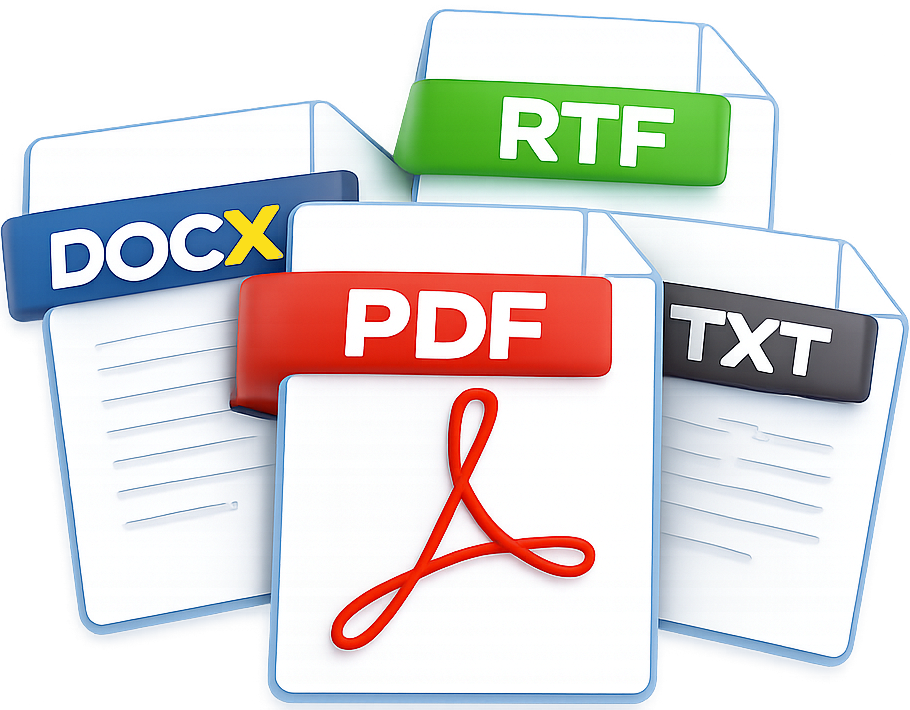
The DocViewer is a small Windows desktop “reader” built into your VB.NET application that lets a user open common document types and view them in a consistent way inside the program. Instead of relying on whatever external software happens to be installed on the computer, it provides an integrated viewing experience so the user can open a file, read it, and then optionally save or print it from within the same window. Its overall approach is straightforward: PDF files are displayed directly, because PDF is the most reliable format for consistent viewing and printing. For other formats—such as Word documents, rich text files, plain text files, and HTML—the DocViewer converts the file into a temporary PDF first and then displays that PDF. This “convert then view” design helps ensure that files look the same across computers and reduces the number of specialized viewers the application has to maintain.
Internally, the viewer is organized around two display options. One is a dedicated document/PDF viewer component optimized for rendering and printing PDF in a desktop application. The other is a modern embedded browser component used when web-style rendering is preferable (especially for HTML) or when a PDF is too large or complex for the internal viewer. Depending on your settings and the situation (for example, very large PDFs), the DocViewer can either automatically choose the best option or prompt the user to select how the file should be opened. A key feature is resilience and “best available” behavior. When converting or opening a file, the DocViewer tries the preferred method first and, if that is not available on a given machine, it can fall back to alternative conversion engines. This is important in real-world deployments where some computers may not have Microsoft Word installed or may have different capabilities. For very large documents, it can switch to a more suitable viewing approach rather than failing outright.
DocViewer is designed to behave like a well-contained utility within a larger application. It cleans up temporary files created during conversions, releases resources when closing, provides basic user feedback while documents are loading, and includes menu options such as Open, Save/Export, Print, and Help/About. It also includes an update-check mechanism so you can distribute improvements without forcing users to manually reinstall from scratch.

Download
|
|
Visual Studio 2022 |
|
32 bit and 64 bit Compatible |
|
The DocViewer is implemented as a Windows Forms application written in VB.NET, targeting the .NET Framework and designed to run on modern Windows systems. It combines standard .NET libraries for file handling, user interface management, and system integration with several specialized third-party components. A commercial document viewer library is used to render and print PDF files directly inside the application, while Microsoft’s WebView2 control provides an embedded, Chromium-based browser for displaying HTML content and for handling very large or complex documents. Additional document and PDF libraries are used to convert Word, rich text, plain text, and HTML files into PDFs when needed, allowing the viewer to maintain a uniform display format. Together, these libraries allow the DocViewer to support multiple document types, manage conversions reliably, and present all content through a single, integrated viewing interface. |
|||

The current version of the DocViewer is Loading...
 Note that upgrading to this version may require uninstalling an earlier version.
Previous versions can be downloaded from here.
Registration
No registration is needed for the current version. Nonetheless, you are welcome to submit your comments to improve this app at the Contact us web page.
Developers

|
Dr. Luis O. Tedeschi
|

|
Support
The following list summarizes corrections, enhancements, and functional improvements made to the software, presented in chronological order (newest to oldest). Each entry reflects updates implemented to improve stability, usability, and overall performance.
There are no corrections, enhancements, or functional improvements to report at this time. However, several related documents, manuscripts, and reports are listed on the Publications web page.
Links
This section will be updated with relevant links as they are identified and curated for this app.